
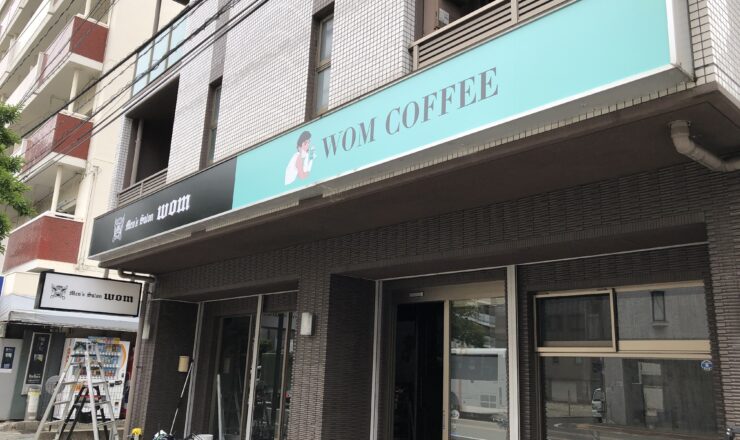
ウェブサイト制作・PC導入・保守・サポート・看板・広告
ウェブサイトを制作するなら福岡イーネットへご相談ください。
Windowsが起動しない等のPCトラブルもお気軽にご相談ください。
-
ウェブサイト制作
貴社のホームページを制作いたします。
ホームページは24時間365日新しい顧客を集客する、人件費のかからない優秀な営業ツールです。
福岡イーネットでは、内部SEO(検索エンジン上位表示)をしっかりと見直したウェブサイトを制作いたします。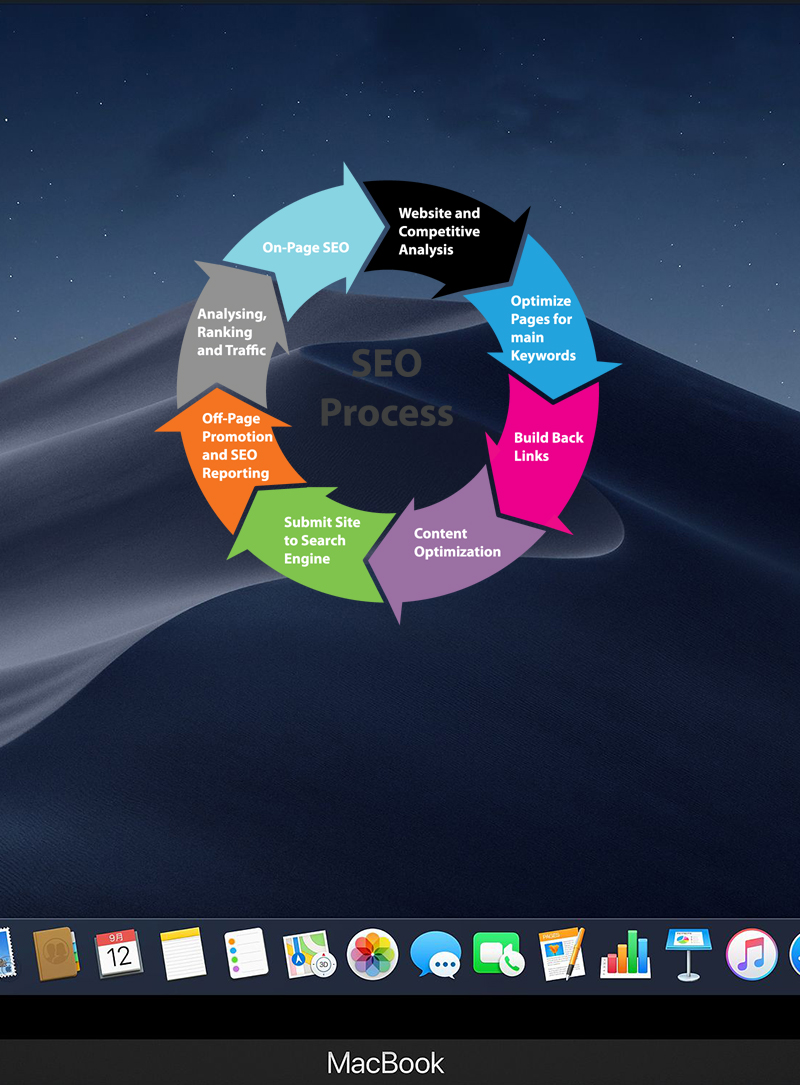
-
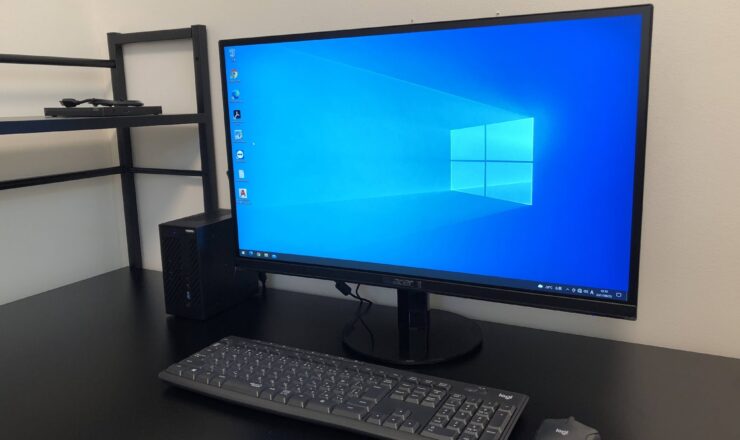
PCサポート
パソコンサポート・導入・メンテナンス
パソコンが起動しない・故障かな?インターネットに繋がらない!
PCトラブルや面倒な作業をサポートし、快適に使えるようお手伝いいたします。
-
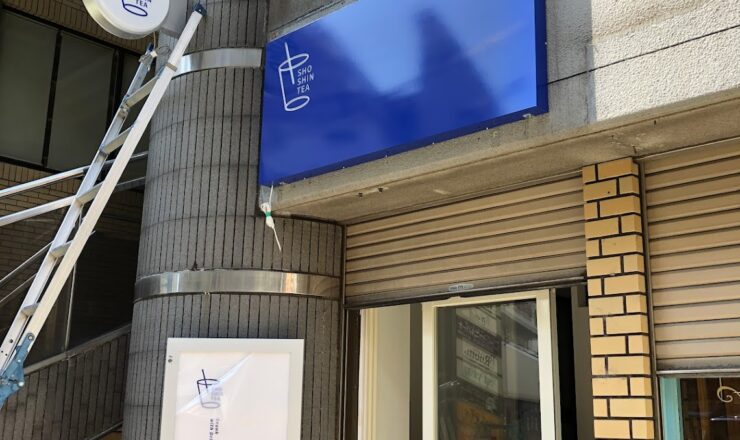
広告・看板
サイン・広告・チラシ・看板等
ウェブサイトのみならず、看板や販促物等あらゆるものをご準備いたします。
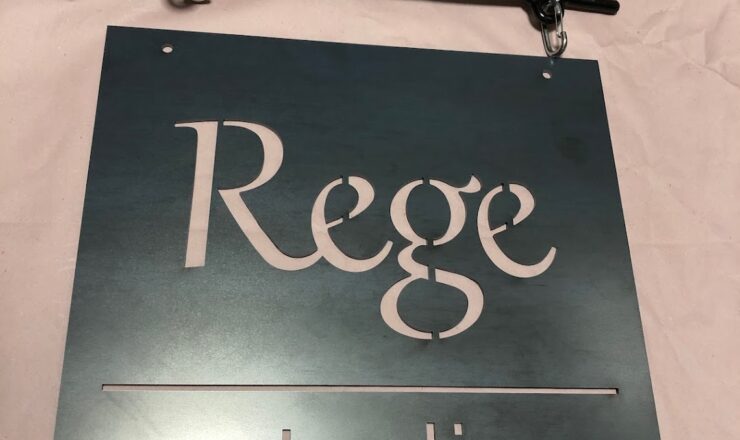
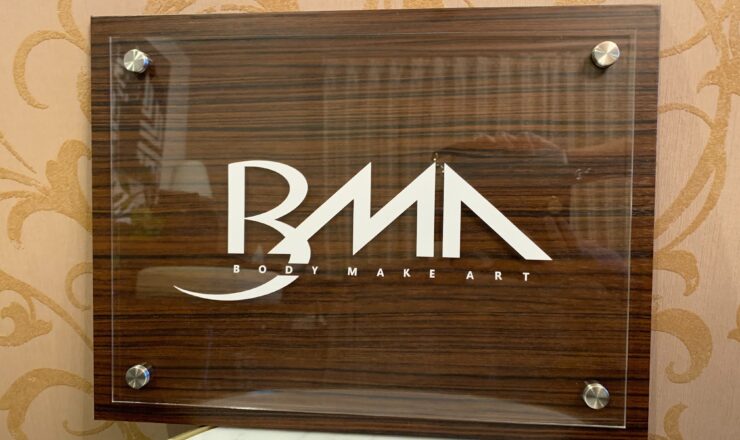
ステンレスや金属のチャンネル文字やアイアンサインもおまかせ下さい。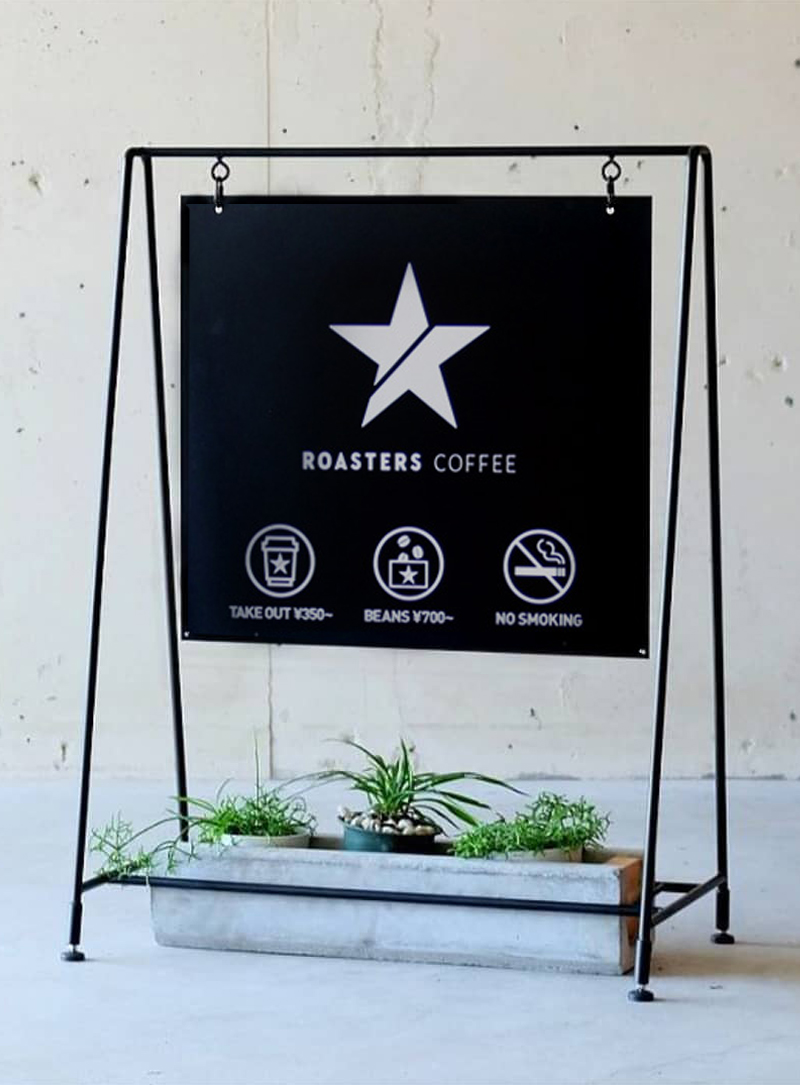
WORKS
実績紹介
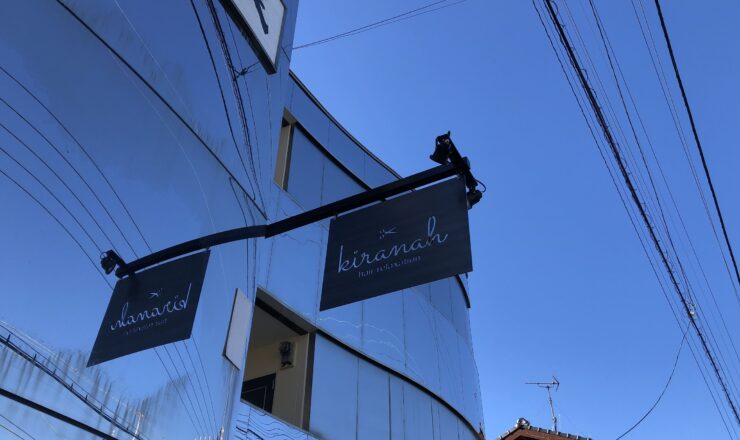
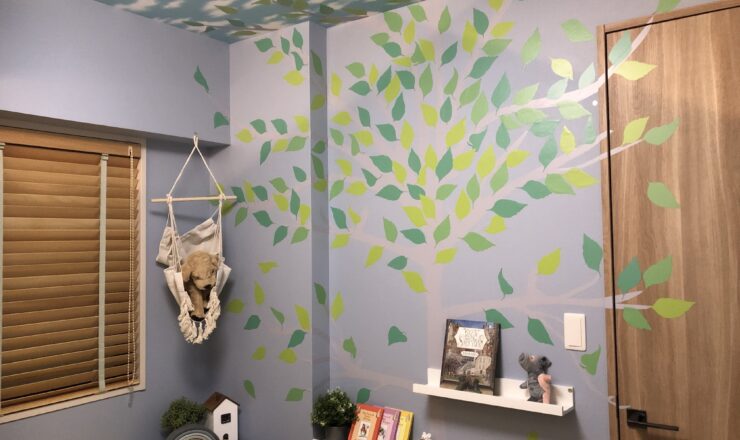
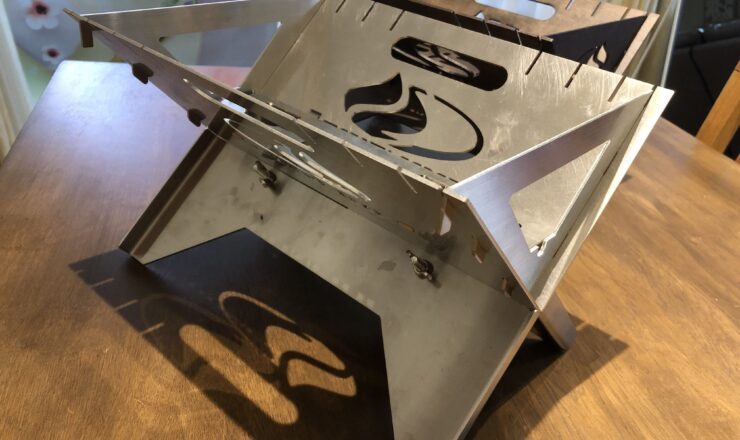
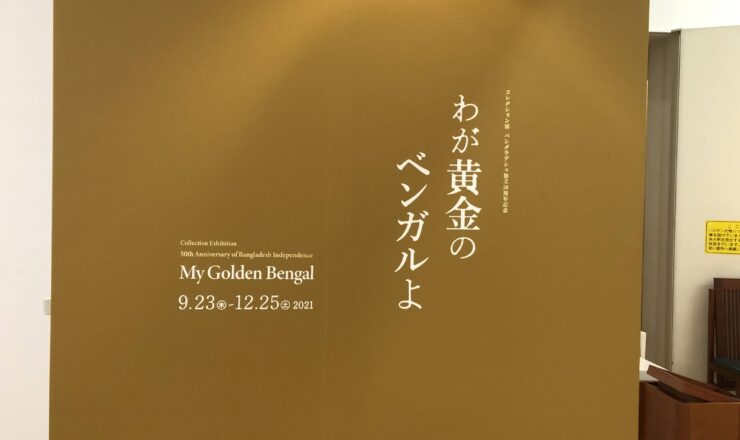
お手伝いさせていただいた私どもの業務を紹介しています。
NEWS
お知らせ